 SURVIVAL APPS
Offline maps: download them before the network is gone
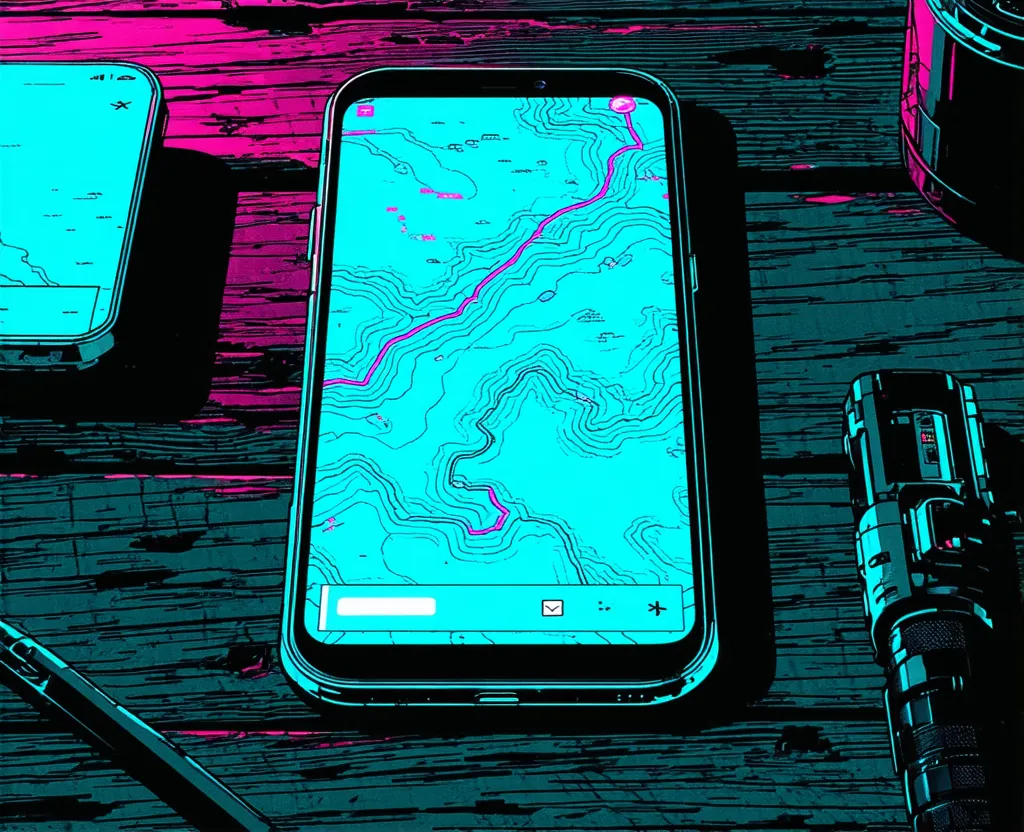
On the bench, hanging from a nail, there's still a badly folded road map with a coffee stain right in the middle. I never threw it out. Every now and then I look at it and think that the Construct, for all it knows, couldn't tell me where I am if someone pulled the cable. The real map is the one you already have in your pocket before the network leaves.
The wrong moment to download a map
It almost always goes the same way: you need the map exactly where there's no signal. A valley, a long tunnel, a blackout that takes the cell towers with it, roaming switched off because it costs a fortune abroad. In the transmission on the physical kit I covered the radio, the power bank and the torch; in 034, what the phone can already do to call for help. This is the missing piece: where to go. And you download it beforehand, on home Wi-Fi, not when the signal bars are at zero.
Google Maps offline: handy, but with limits
You already have it on your phone, and for drivers it's an honest solution: download an area and the map and search work without data. The limits are worth knowing first, though. Offline, as Google's own help page explains, you don't get walking, cycling or public transport directions, and there's no traffic. Downloaded areas also have to be kept up to date, otherwise they stay frozen at the day you grabbed them. For crossing a city by car it's fine. For walking in a forest, it's not the right tool.
Organic Maps: the simple choice
This is the one I use, and I'll tell you why at the end. First the facts: it's free, with no account and no ads, and it works fully offline, search and navigation included. It runs on OpenStreetMap data and, according to the project's site, maps are updated roughly every two weeks. You download your region, you use it, that's it. There's a philosophy in it that I like, the same as in the transmission on ownership versus subscription: the map is yours, it lives on your phone, it doesn't depend on a service staying switched on.
OsmAnd: for those who want control
OsmAnd starts from the same OpenStreetMap data but puts many more levers in your hands: recording and importing GPX tracks, route planning, separate profiles for walking, cycling or driving.[1] It's the pick for people who actually head out on trails and want to record or follow a route. The price is a bit more complexity and, in the free version, you can download or update only seven maps, and every update counts as a download. Contour lines and terrain shading are paid features, unlocked by Maps+ (a one-time purchase or a yearly subscription) or by the OsmAnd Pro subscription, as OsmAnd's official documentation explains.
Which one, depending on what you do
- CAR IN TOWN — Google Maps is fine, but download the area first and remember there's no traffic offline
- HIKING — OsmAnd if you want to record and follow GPX tracks (contour lines are in the paid version); Organic Maps if seeing trails and contour lines and getting your bearings is enough, for free
- TRAVEL ABROAD — Organic Maps: download the country once and pay no roaming to consult it
- EMERGENCY — whichever one works without an account or a network, already downloaded. A simple map you open instantly beats a complete one that won't load
The ten-minute routine
Do it at home, on Wi-Fi, with the phone charging. Nothing else needed.
- Check your free space: the province of Milan, for instance, weighs about 70 MB, and a whole region can reach a few hundred, so leave some margin.
- Download your region, and the ones you visit often or where your family lives.
- Save the points you'll need: home, the nearest hospital, the family meeting point, a parking spot off the beaten track.
- Put the phone in airplane mode and open the app. If the map shows and search answers, you're done. If not, now you know.
- Set a calendar reminder to update the maps every two or three months.
> region: downloaded
> saved points: home, hospital, meeting point
> airplane-mode test: OK
The one I use
I use Organic Maps. I keep it because it does the one thing I need: I open it without thinking and the map is just there, no account to remember, nothing waiting to connect. I've used it in the mountains, in Aspromonte, around Gambarie: there the map was for walking, not for show, and it worked just as it does in town.
If you want to go beyond the map and work out how to communicate when there's no network at all, I wrote about it in 018 on Meshtastic and in the first tests with the LoRa radio. And if you'd rather not have to remember when the next transmission comes out, there's the RSS feed.
Frequently asked questions
Does Google Maps work offline?
Yes, but in a limited way: you download an area and get the map and search without data. Offline there are no walking, cycling or public transport directions, and no traffic. Downloaded areas need to be kept up to date.
What is the best offline maps app for Android?
It depends on what you do. For simplicity and privacy, Organic Maps; for trails and GPX tracks, OsmAnd; for driving in town, Google Maps if you already have it. All three have to be downloaded beforehand, with a connection.
How much space do offline maps need?
It depends on the region and the app. A small area like the province of Milan takes about 70 MB, a whole region can reach a few hundred: check your free space before downloading and look at the size the app shows.
A badly folded paper map and a coffee stain. The Construct can wait: as long as the map is on the phone, I know where I am. May your code survive the apocalypse, and may your region already be downloaded.
Notes
- GPX — a standard file format for GPS tracks and waypoints: it lets you import a route made by someone else or record your own. ↑ back to text